Salvo brand guidelines · MVP v2 · Oct 2026
Summon your swing.
Salvo is the lean golf caddy: the 20% of features golfers use 80% of the time. Find the course, see the distance, mark the shot, keep the score. Nothing else in the way.
- Dark first, light ready
- 15px smallest text
- 56px smallest tap
- 72px+ primary buttons
- Map always primary in a round
02 · Logo
The ball in the cap.
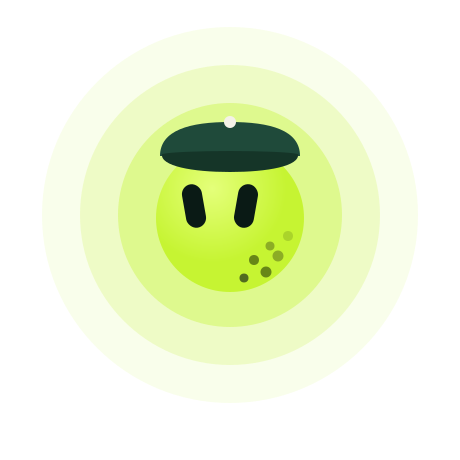
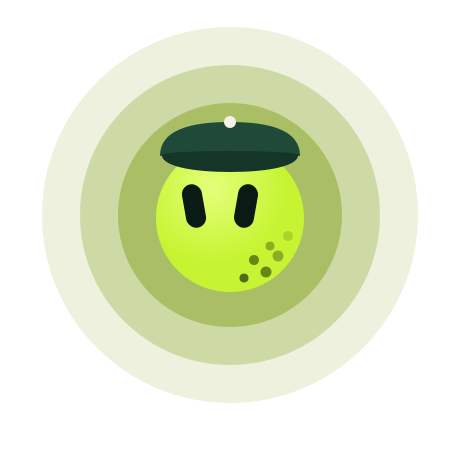
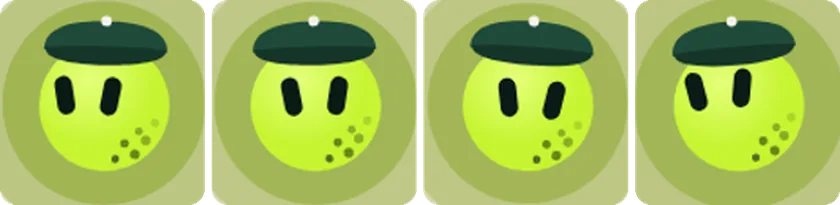
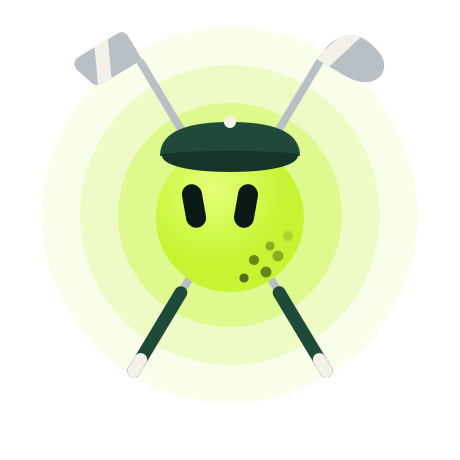
A lime golf ball wearing a flat, button-only ivy cap, sitting in three pulse rings. No clubs. The mark is locked: use the supplied files as they are.
Expressions
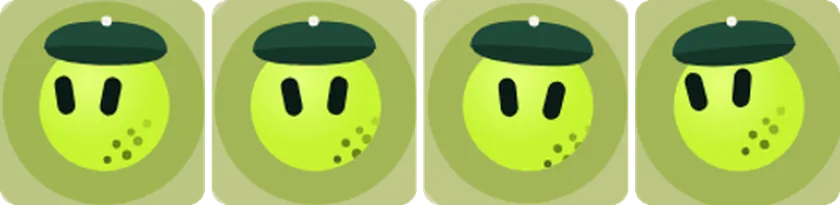
Clear space
xxxxMinimum size
App icon
Wordmark lockup
SalvoSalvoSummon your swing.In-app header lockup
- Use the dark file on Night, Pine and photos with a dark scrim; the light file on Cream and Sand.
- Lime ball and Forest cap never change colour.
- The mark is never a person, profile picture or player avatar.
Do and don’t
02b · Beyond the app · Salvo Caddy
Guidance for every shot.
Salvo Caddy connects Salvo to your favorite AI chat app, so you can have real-time caddy conversations, hands-free. Keep your phone in your pocket as you set up. Ask by voice, “How far is it to the canal?” or “How far is it to the green?”, and hear the answer in your earbuds. With Salvo Marker or an Apple Watch on you, it can stay in the bag.
What it is, in plain words
- You connect Salvo to your favorite AI chat app and sign in with your Salvo account.
- Then you just talk. Say “I’m at the ball” and your caddy gives you the distance, the wind and one club.
- Say “I hit it” and the shot is logged with that club.
- Answers are read aloud with your phone’s built-in voice.
- Your phone can stay in the bag only with Salvo Marker on you, or an Apple Watch as a virtual marker.
- It’s optional. Tap-only mode does everything on its own, with nothing connected.
Two actions run the round
How it connects
- 1ConnectIn Settings, choose Salvo Caddy and tap Connect. Pick your favorite AI chat app.
- 2Sign inSign in with your own Salvo account. Your rounds and your bag come with you.
- 3TalkLeave your phone in your pocket. Say “I’m at the ball,” then ask “How far is it to the green?”
How he sounds
Example dialogueI’m at the ball.
142 to the middle. Smooth 8 iron.
How’s the wind?
Light, into you. Still the 8.
I hit it.
8 iron, logged. Enjoy the walk.
Voice and tone of his replies
- Short. One sentence, two at most. He talks less than you do.
- One club, one number. The call first, the reason only if asked.
- Calm. Laid-back, never hyped. No exclamation marks, no jokes about your swing.
- Punctual. Answers right away, and stays quiet while you set up and swing.
- Helpful. If he isn’t sure, he asks one short question.
Say it like this
“142 to the middle. Smooth 8 iron.”
“Great question! There are a few things to consider here, so let’s break down your options…”
“Got it. 8 iron, logged.”
“Shot recorded successfully! Would you like to see your stats?”
Home card
States
Do
- Call it Salvo Caddy, or Caddy when space is tight.
- Say: “Connect Salvo to your favorite AI chat app and talk to your caddy in real time.”
- Keep the phone in the pocket: ask by voice instead of looking.
- Say the phone can stay in the bag with Salvo Marker on you, or with an Apple Watch as a virtual marker.
- Say tap-only works fully on its own.
Don’t
- Frame it as something the golfer has to supply or pay to run. It’s a connection, nothing more.
- Talk about running costs, usage or what powers it behind the scenes.
- Name chat apps, companies or their logos. Say “your favorite AI chat app”.
- Make any screen depend on it. Every screen works by tap.
- Say the phone can stay in the bag without Salvo Marker or an Apple Watch.
02c · Beyond the app · Salvo Marker
Track your lie. Improve your play.
Salvo Marker is a small pocket tag, about the size of a ball marker. It stays in your pocket. Your phone finds it, puts you on the map at your ball, and knows when you’ve swung, so shots log themselves.
Illustration, final device TBD
What it is, in plain words
- A ball-marker-sized tag that rides in your pocket all round.
- The Salvo app picks it up and uses its distance and direction to place you on the map.
- It senses motion, so it knows you’re at the ball and that you’ve swung.
- Set up on each lie knowing where you stand. Shots log on their own.
- Bonus: it can also mark your ball on the green. Never required.
An accessory, not a requirement
- Salvo is app-first. Your phone, Apple Watch or other connected watch work on their own.
- Salvo Marker makes logging automatic, with or without Salvo Caddy.
- With Salvo Marker on you, your phone can stay in the bag. Salvo still knows where you are.
- No Marker? An Apple Watch works as a virtual marker, so your phone can stay in the bag too.
How it works
- 1Carry itPocket it on the first tee. That’s the setup.
- 2SwingPlay your shot. No button, no tap, no phone in hand.
- 3It knowsThe shot is logged where you stood, and the map moves on with you.
What it picks up
- You walking up and standing at your ball.
- The motion of a real swing.
- Where you are, on the map, on each lie.
What it lets go
- Talking with your group.
- Resting, waiting on the group ahead.
- Practice swings and pauses.
The illustration
Illustration, final device TBD
Illustration, final device TBD
Home card
Spec sheet
- Name
- Salvo Marker
- What it is
- Pocket tag, about the size of a ball marker
- Where it goes
- In your pocket. Can also mark your ball on the green.
- Finds you with
- Ultra-wideband (UWB): distance and direction to your phone
- Knows you swung by
- Motion sensing, plus stillness before the swing, GPS and the hole
- Works with
- The Salvo app on your phone. Salvo Caddy optional.
- Phones supported
- TBD
- Works with watches directly
- TBD
- Battery life
- TBD
- Charging
- TBD
- Size and weight
- TBD
- Water resistance
- TBD
- Range
- TBD
- Colours and finish
- TBD
- Price
- TBD
- Availability
- TBD
Do
- Call it Salvo Marker.
- Say it stays in your pocket.
- Say it works with or without Salvo Caddy, and that Salvo works without it.
- Say an Apple Watch works as a virtual marker, so you don’t need Salvo Marker if you wear one.
- Show it with the “Illustration, final device TBD” label until there’s a real photo.
Don’t
- Say it goes anywhere but your pocket. The one exception: marking your ball on the green.
- Promise accuracy, battery or range numbers that haven’t been decided.
- Give it another name. It’s Salvo Marker, or Marker when space is tight.
- Make it sound required to use Salvo.
- Say the phone can stay in the bag without Salvo Marker or an Apple Watch.
03 · Color
Night, Cream and one Lime.
Two themes, one set of variables. Lime is the fill of the primary button in both themes. Small icons and accent text use --ic (Lime on dark, Moss on light). Blue appears only as the location dot.
Dark theme
Active nowLight theme
Active nowFixed in both themes
All tokens as CSS
Contrast (WCAG 2.2)
Dark
Light
04 · Typography
Big numbers. Bigger buttons.
Fraunces Bold for numbers and headings, Space Grotesk for everything you read. Golfers glance at a phone in sun, gloves on, mid-walk: everything is large, key numbers are oversized.
The 15px floor
Numbers + headings
Fraunces Bold
0123456789 +−E · Hole Par Round
Body + UI
Space Grotesk
ABCDEFGHIJKLMNOPQRSTUVWXYZ abcdefghijklmnopqrstuvwxyz 0123456789
Type scale
Fraunces 700 · 92px · 0.95Fraunces 700 · 54–66px · 1.0Fraunces 700 · 54px · 1.02Fraunces 700 · 46px · 0.95Fraunces 700 · 40–42px · 1.05Fraunces 700 · 38–44pxFraunces 700 · 34px · 1.1Fraunces 700 · 28px (32 on Welcome)Fraunces 700 · 28pxFraunces 700 · 24pxSpace Grotesk 700 · 20pxSpace Grotesk 400–500 · 18px · 1.4Space Grotesk 600 · 17pxSpace Grotesk 600 · 16pxSpace Grotesk 700 · 15px · +0.12em05 · Voice and copy
Say it like a playing partner.
Short, calm, golf-native. Two to five words on a button, one sentence under a title. Digits for every number. Sentence case everywhere except caps labels.
Tagline
Welcome
Empty states
Confirmations
Toasts
Errors Proposed
Button vocabulary
Naming rules
“TO TARGET”, no unit
Club badge: three phrases only
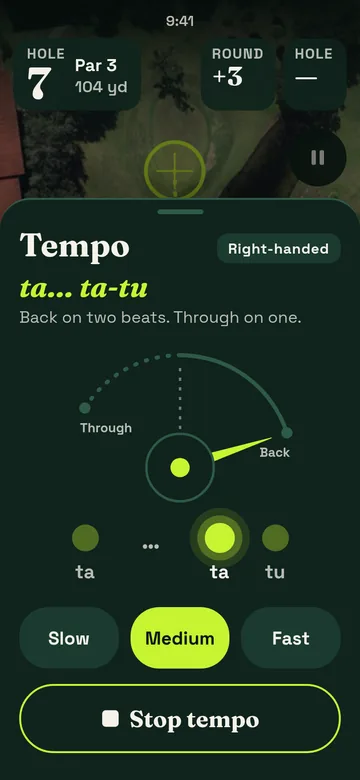
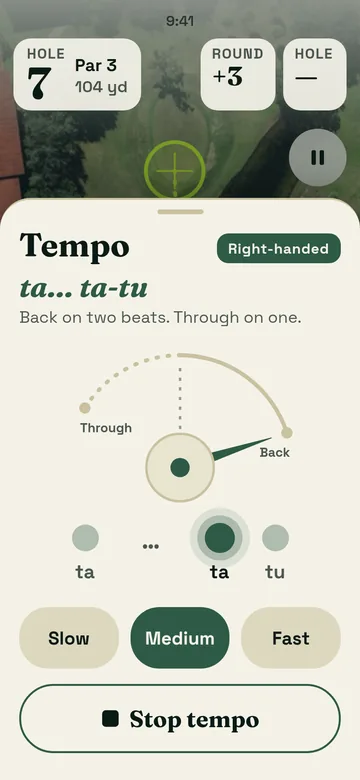
Tempo is “ta… ta-tu”
Copy do and don’t
06 · Controls and components
Live parts, current theme.
Every specimen below is real HTML and CSS from the MVP v2 stylesheet. Flip the theme in the header and they all change. Tap them: steppers count, chips select, tempo beats.
Buttons
Primary · one per screen
Secondary · outline
Pair · secondary + primary
Link and icon buttons
Badges and chips
Forest = informational
Lime = the one primary action
Outline = secondary
Inputs and forms
Top: filled. Middle: focused, a lime underline and a soft lime row. Bottom: error, a danger underline and one plain sentence.
Search
Form rules
- One flat card. The fields sit right on it.
- Thin hairlines or generous space between fields. Nothing else.
- Small caps label above the value, 15px. The value 20px or larger.
- Rows 64px or taller.
- Focus: lime underline and a soft lime row. Error: danger underline plus one plain sentence.
- A bordered box around each field.
- A card inside a card.
Steppers, hole strip, segments, tempo
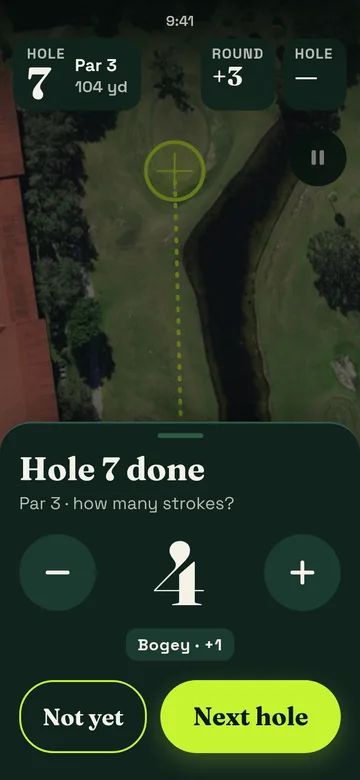
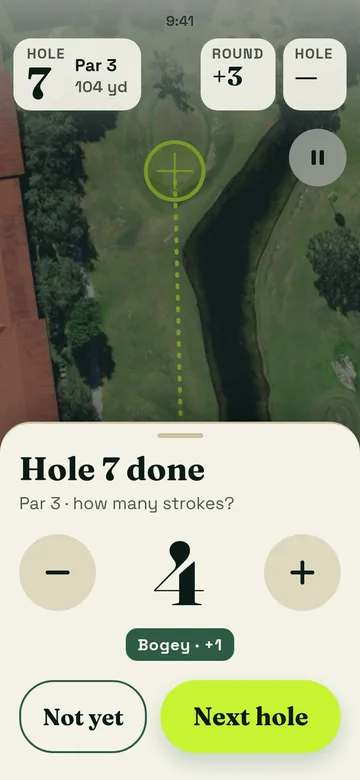
Stroke stepper
Hole-number strip
Segmented control
Tempo
Tempo needle
List rows and cards
Rows
Cards
Score tiles and distance
HOLE / ROUND / HOLE
Distance readout
Toasts, headers, empty states, settings
Toasts
Headers
Pick your tees.
Empty states
Settings rows
Components do / don’t
Do
- One card, one border. Nothing boxed inside a box.
- One card. Fields sit on it. No boxes inside boxes.
- Group with space, thin hairlines or a soft fill.
- Show a selection one way: a solid fill, or an accent underline or bar.
Don’t
- A bordered card inside another bordered card.
- A bordered box around every field.
- Button styling on anything that can’t be tapped.
- A ring and a fill and a check on the same selected item.
Separation rule
Applies to every screenFewer borders, but nothing blends. One outline per surface. Inside it, separate things with a tonal fill step, gaps and whitespace.
- 1One border level per surfaceOnly the outer card or sheet gets an outline, or none at all.
- 2Tonal step + 8–12px gapsItems inside are a shade lighter or darker than the card, never outlined.
- 3Lists use hairlinesRows and tables: 1px dividers, no box per row.
- 4Selected gets one emphasisA solid accent fill, or an accent underline / left bar. Never border + ring.
- 5Outlines = secondary buttons + focusA ring means “tappable secondary action” or keyboard focus. Nothing else.Cancel
- 6Groups: 24px + captionSeparate groups with whitespace and a small-caps label, not a box.Caption
Specimens that keep an outline on purpose: the phone and mini-phone frames, tap-target and radius boxes, colour swatches and contrast chips, the logo background panels and the tempo halo.
06b · In context
390 × 844, live.
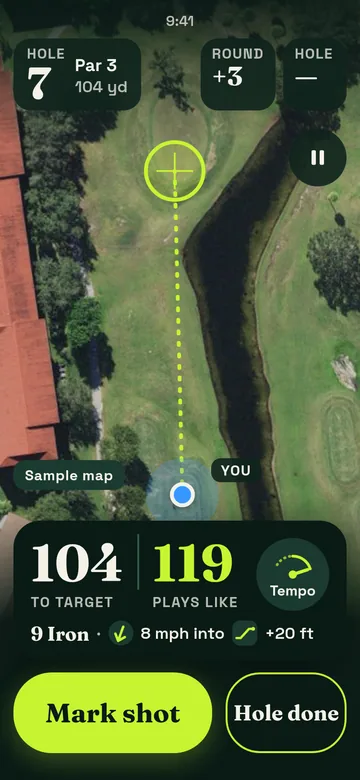
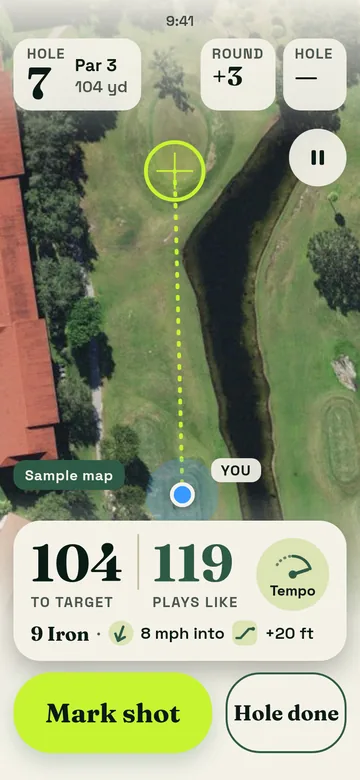
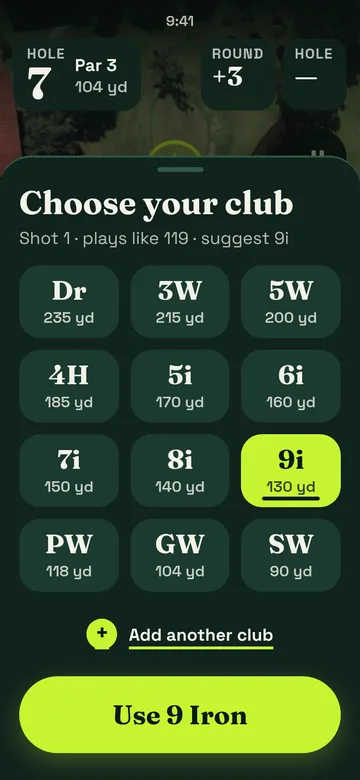
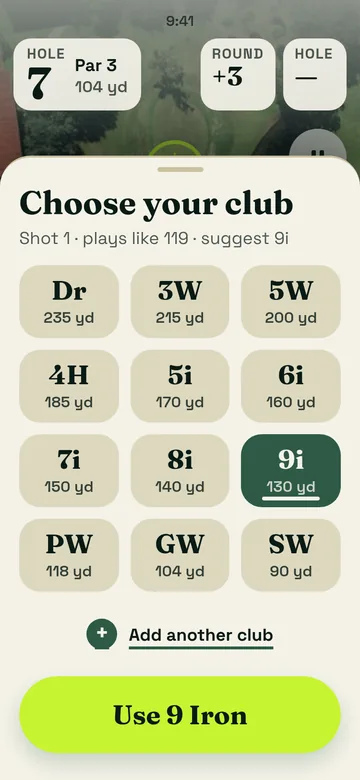
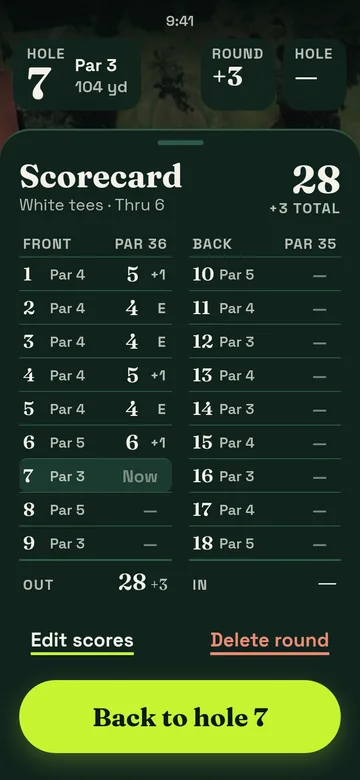
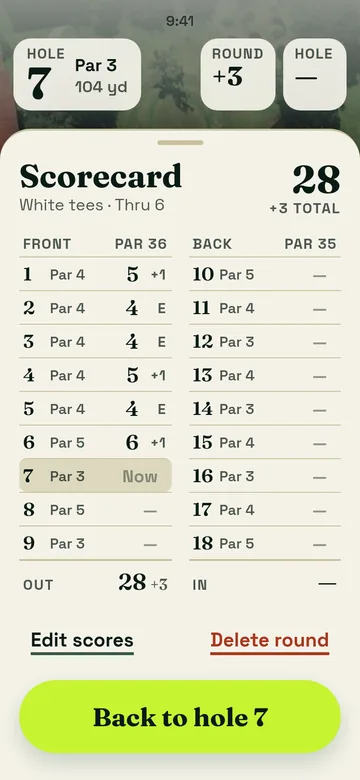
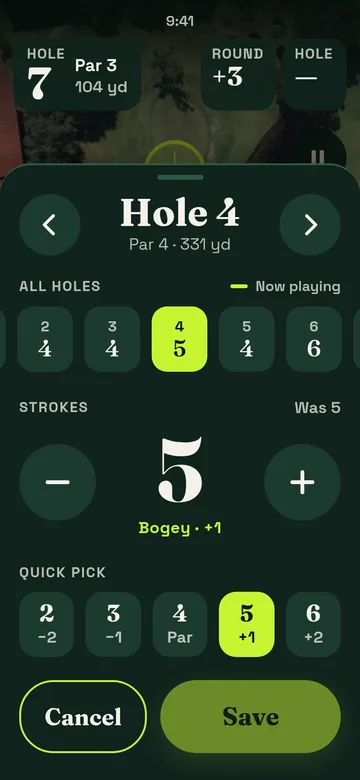
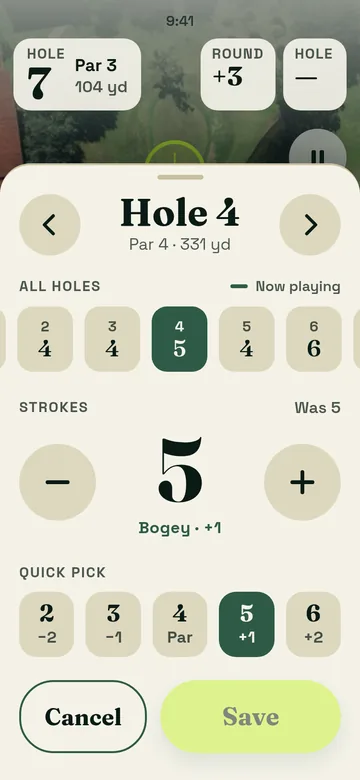
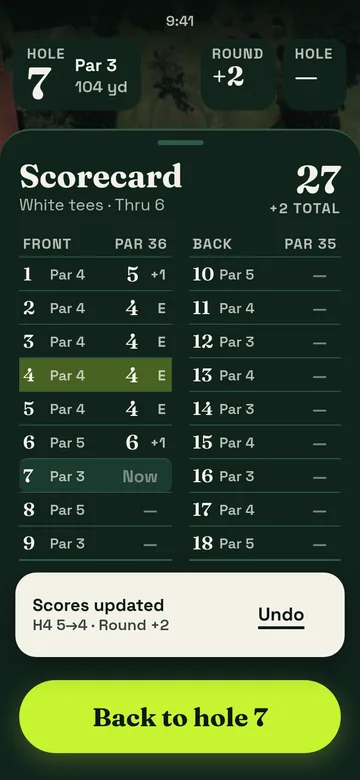
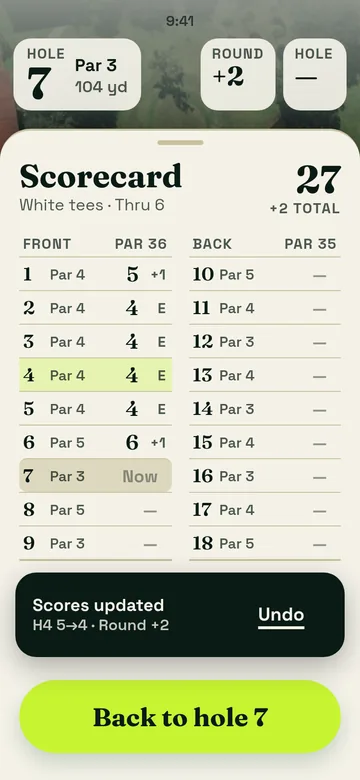
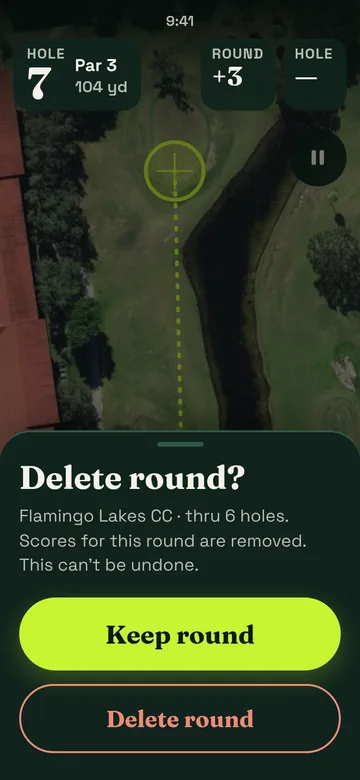
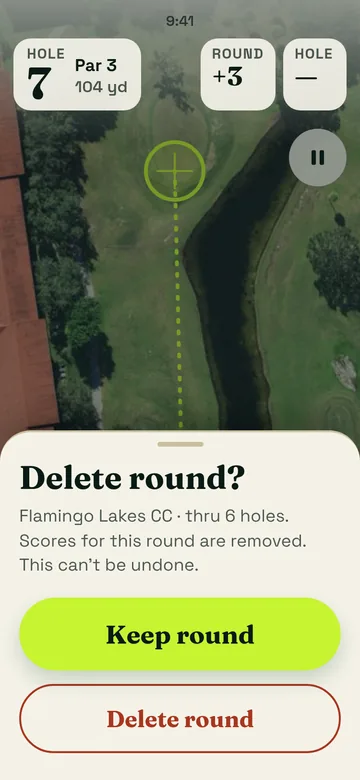
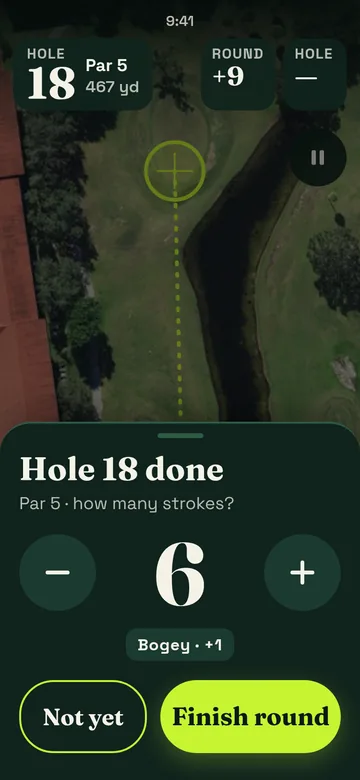
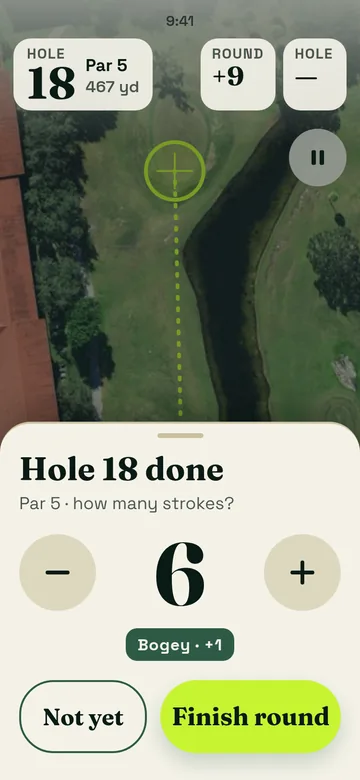
The same parts assembled into full screens. In a round the map is always underneath; every other step slides up as a bottom sheet over the dimmed map.
Swipe sideways: each frame is shown at its true 390 × 844 size.
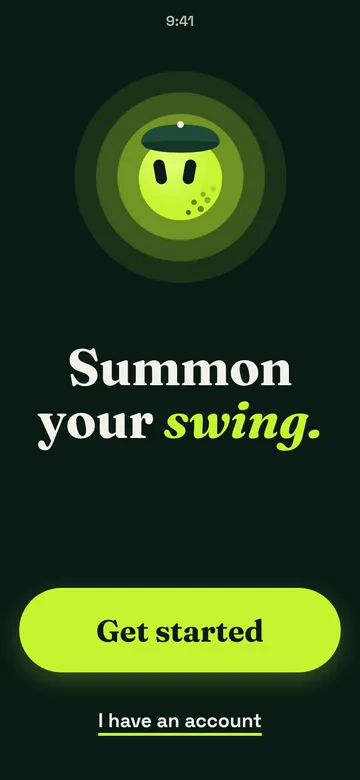
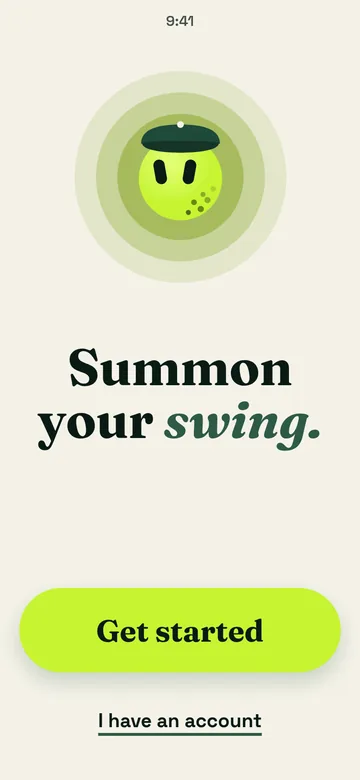
Summon your swing.
Good afternoon, Ro.
07 · Layout and interaction
Built for one thumb.
Phone frame
390 × 844 pt
- One primary per screen
- Thumb zone: bottom third
- No horizontal page scroll
Tap targets
Hatched bar = the 12px minimum gap.
The in-round rule
- HOLE / ROUND / HOLE tiles stay on top on every round screen
- Sheets keep the map visible above them
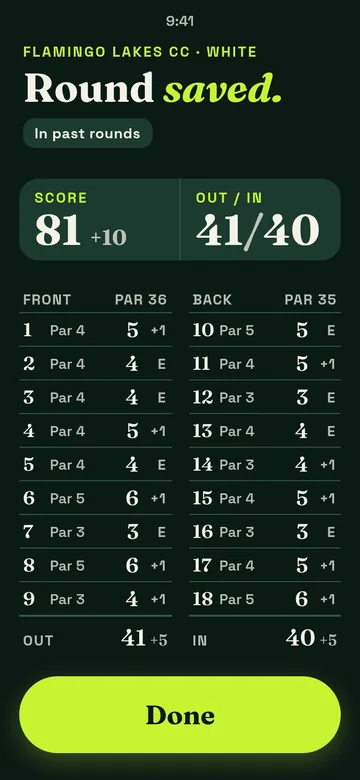
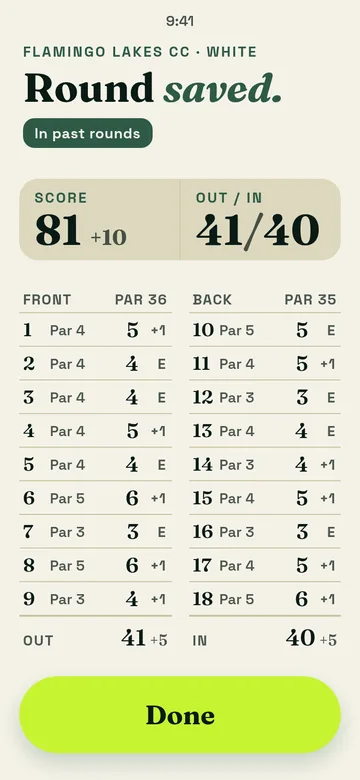
- Only the summary is full screen
MVP scope rules
- Round score and hole score visible on every round screen.
- No avatar anywhere: no profile pictures, no player icons.
- No multiplayer in the MVP: one golfer, one scorecard.
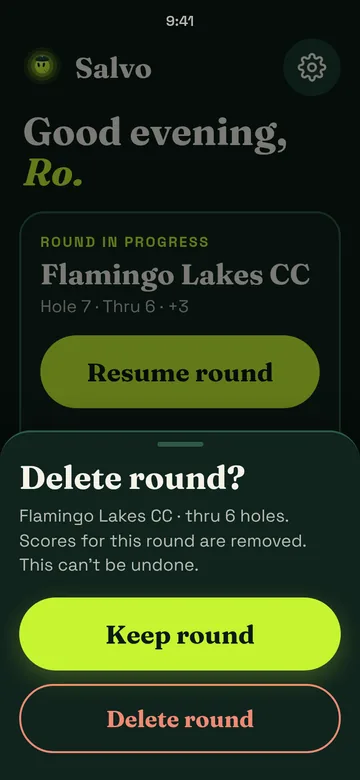
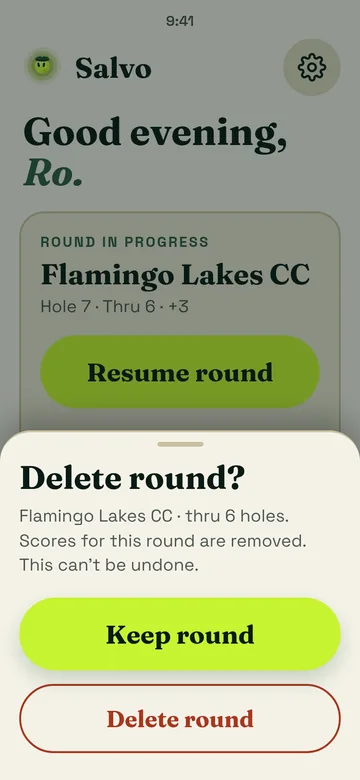
- Pause goes to Home, which shows a Resume card.
- On hole 18 the primary button reads Finish round.
- Delete always asks first; edits always offer Undo.
Spacing scale
--s-1--s-2--s-3--s-4--s-5--s-6--s-8--s-14Radii
Shadows
--btnsh0 −12 30 / 25%
0 10 30 / 30%
0 30 70 / 35%
Motion
Try it
08 · Screen flow
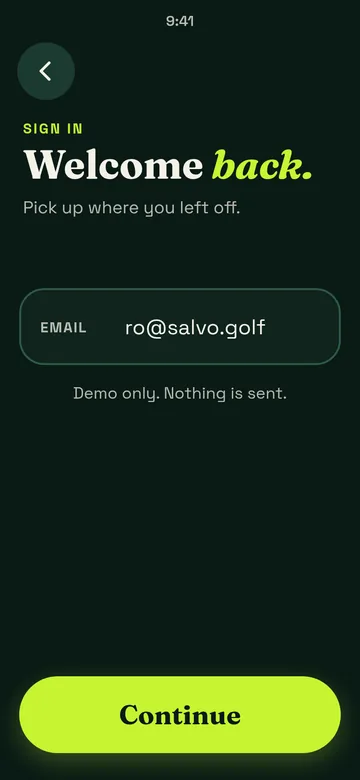
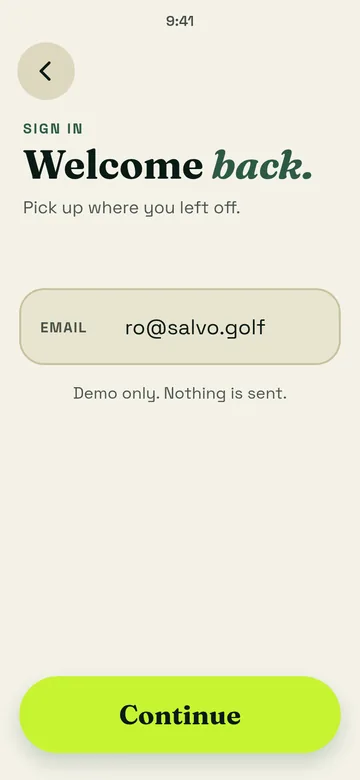
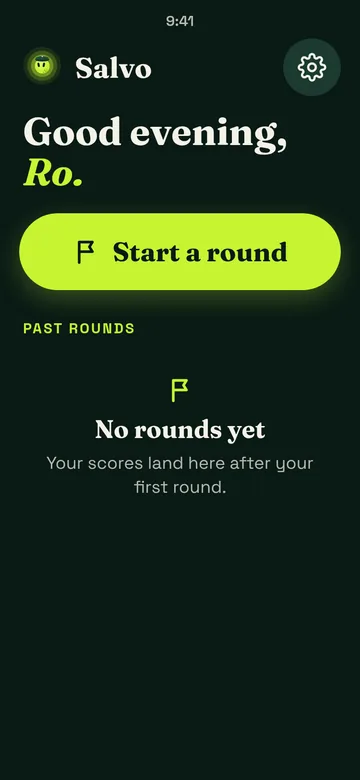
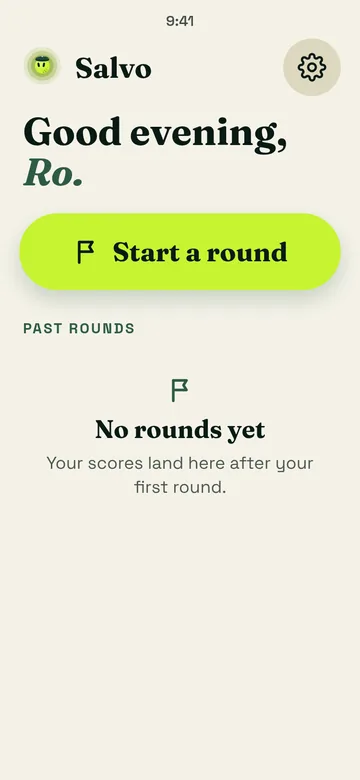
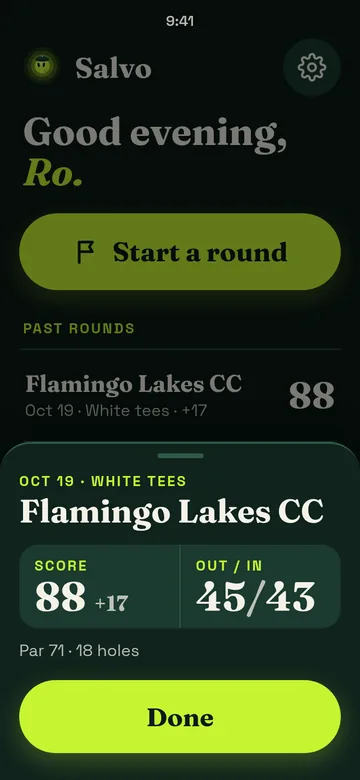
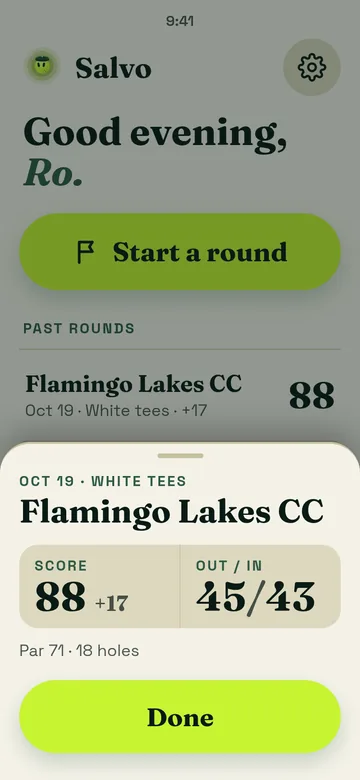
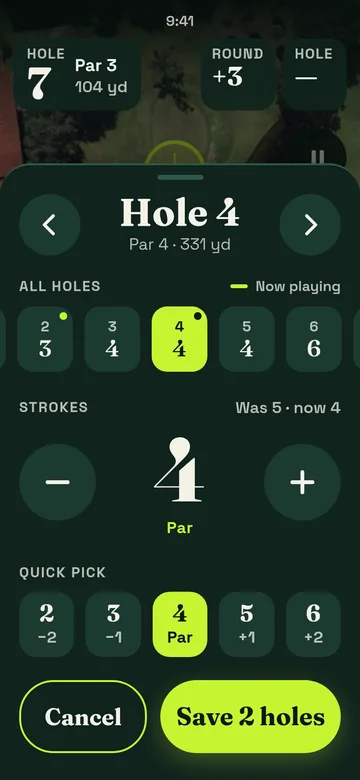
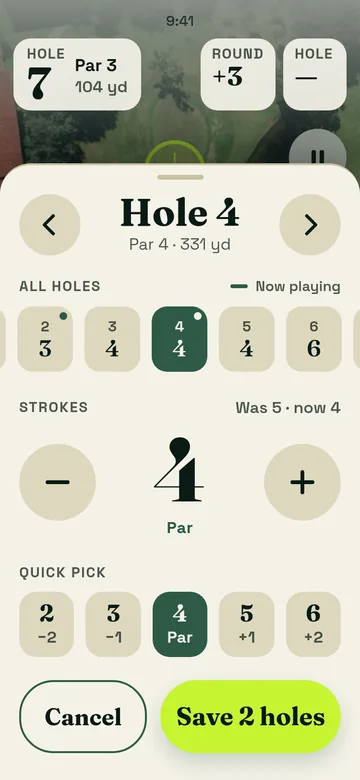
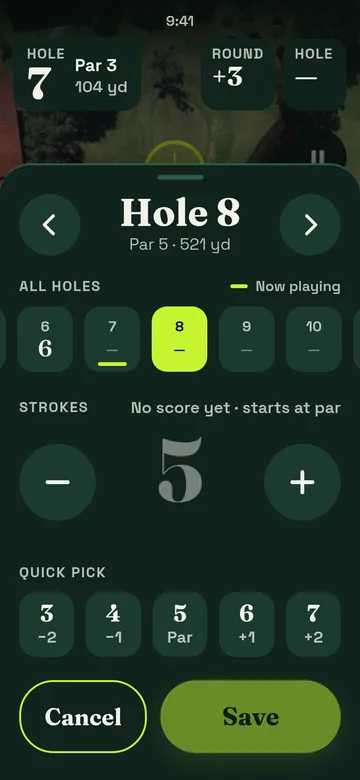
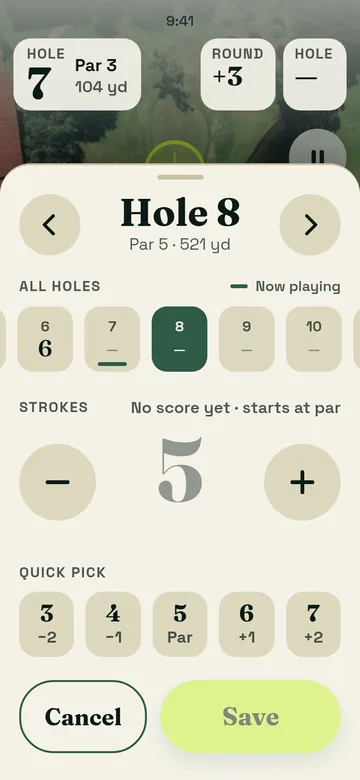
All 26 MVP screens.
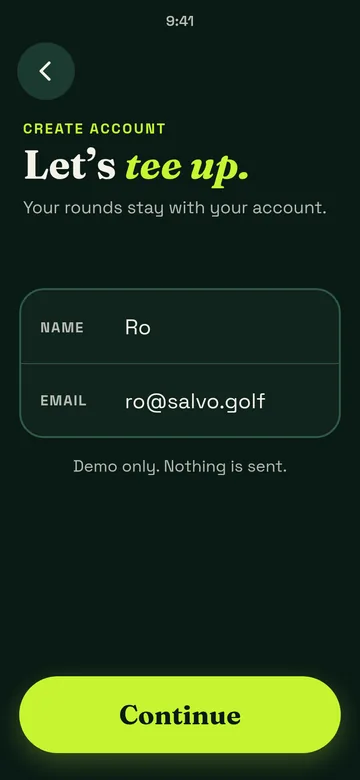
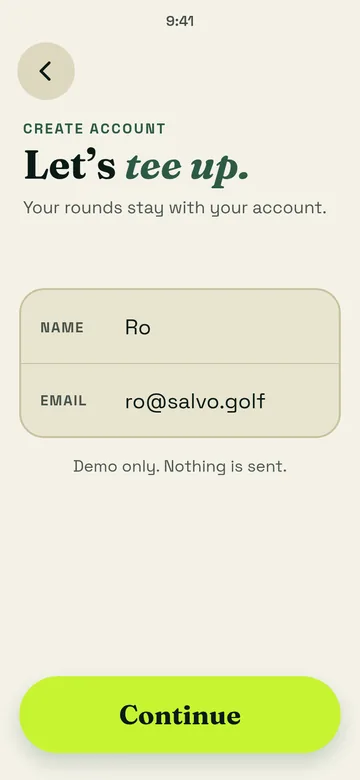
From the MVP v2 mockup, in order. Thumbnails follow the theme toggle.
Start
Home and settings
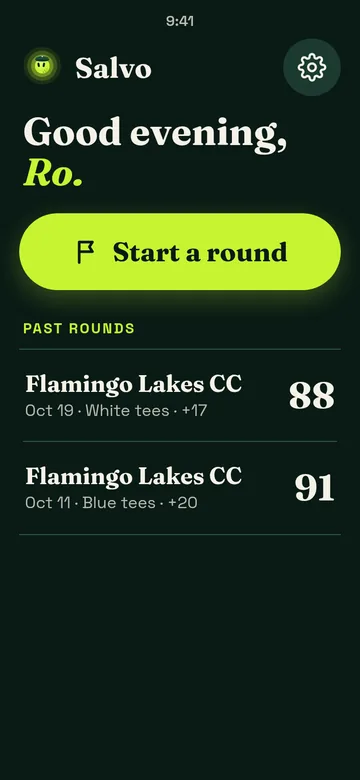
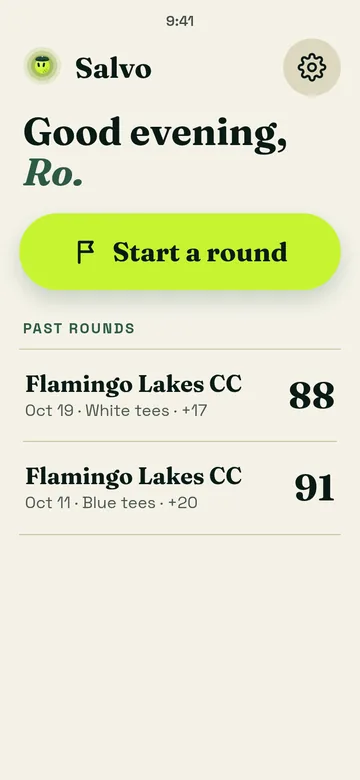
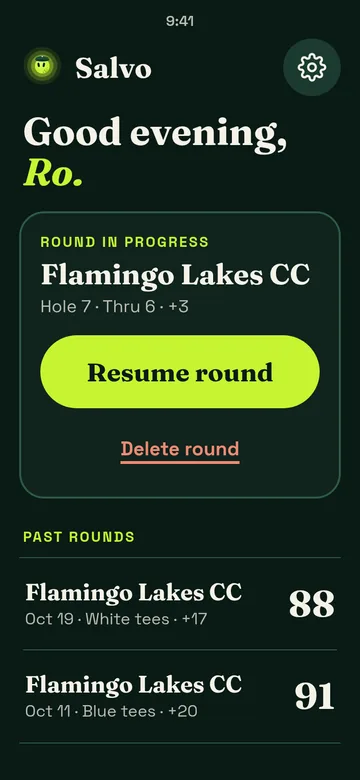
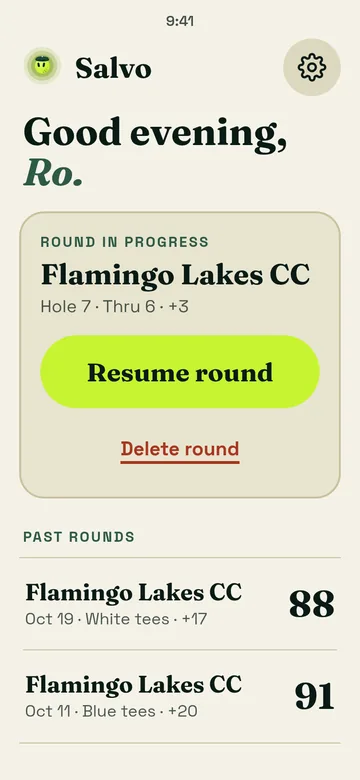
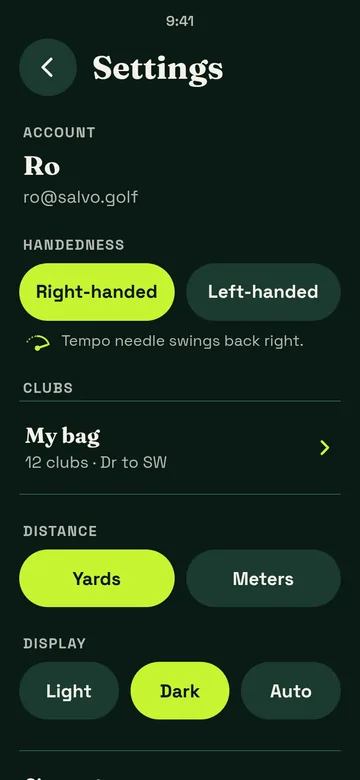
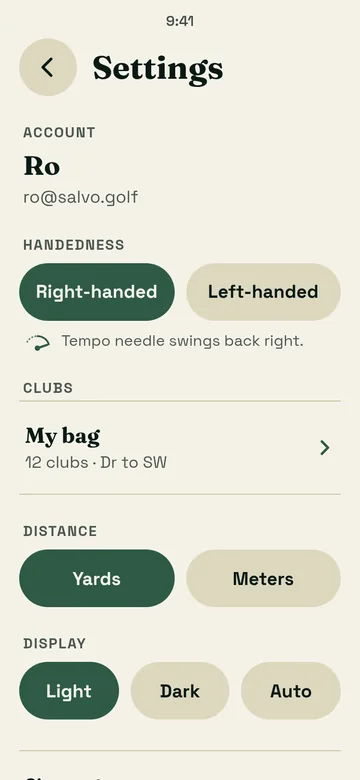
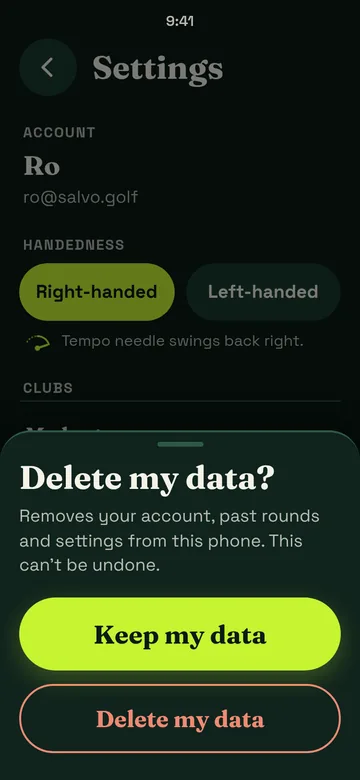
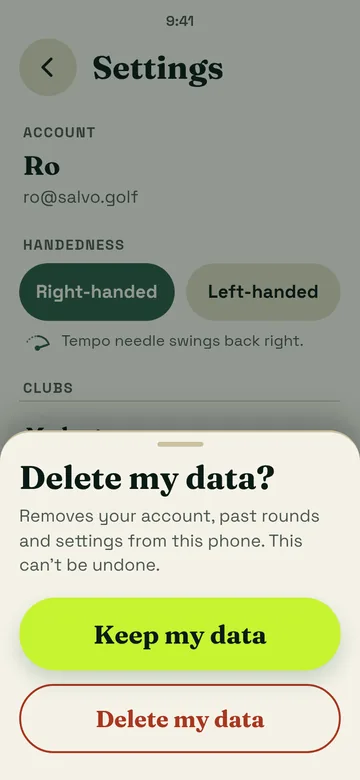
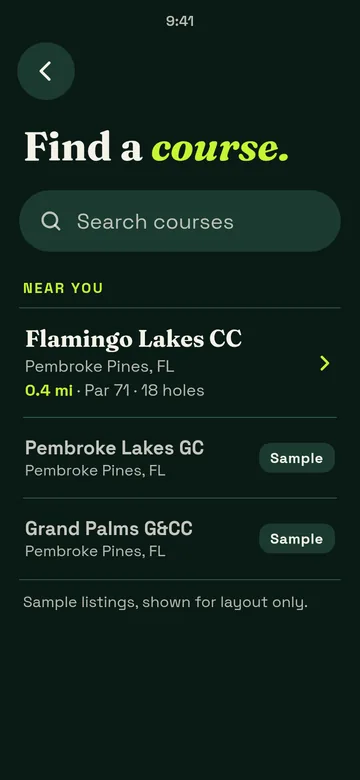
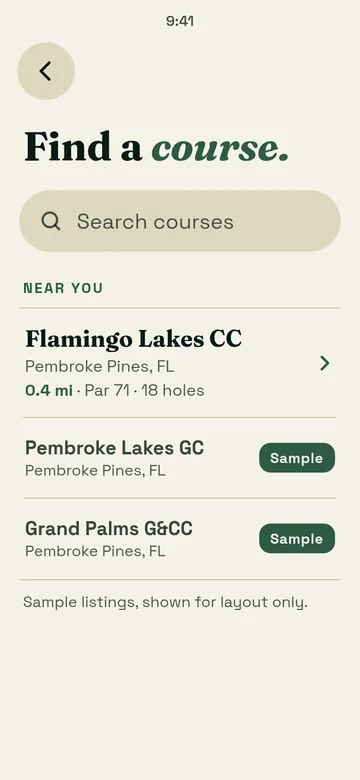
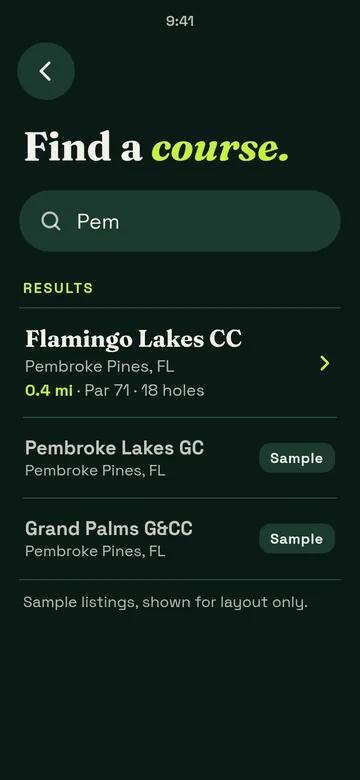
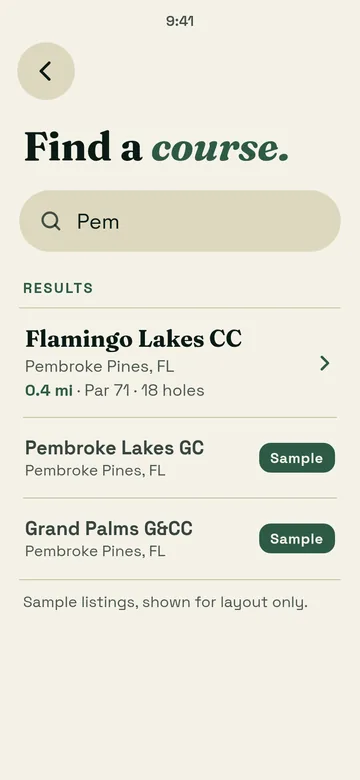
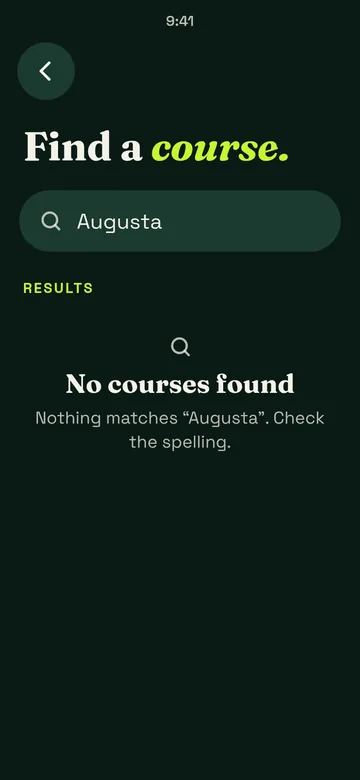
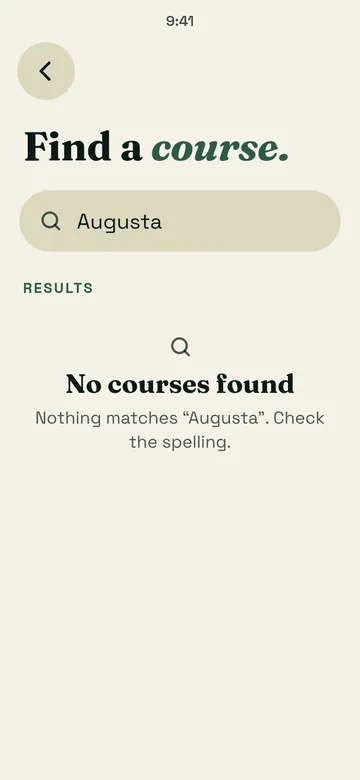
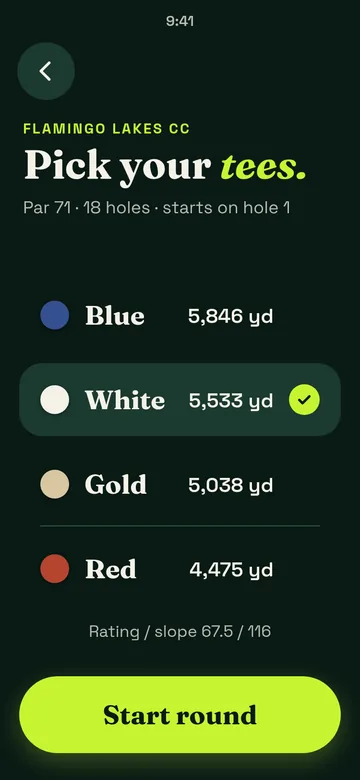
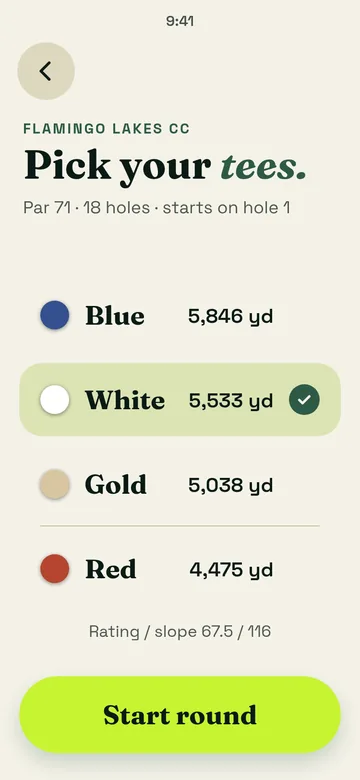
Find a course
In the round
After the round